Menu
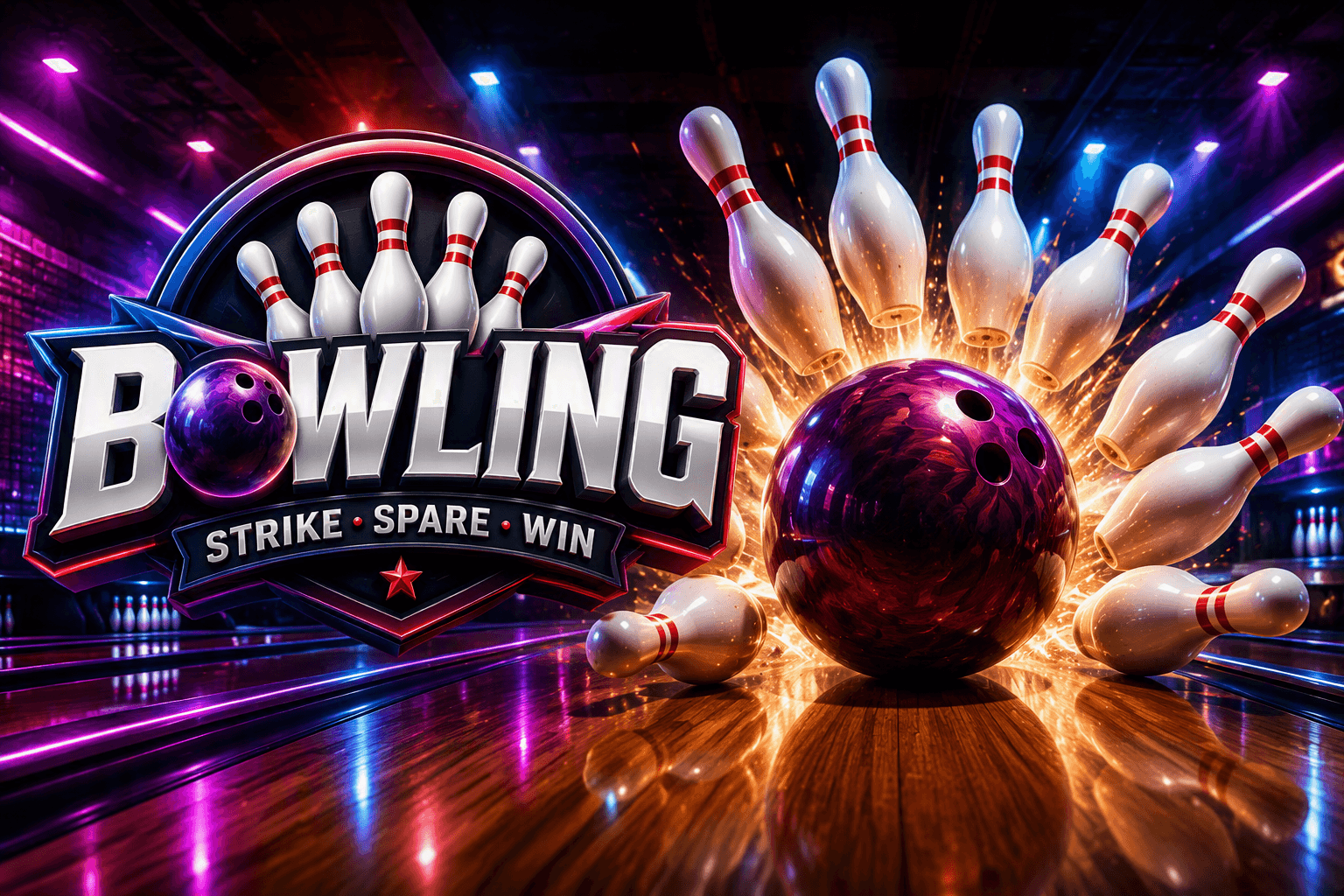
A simple and addictive bowling game where precision and timing are key. Aim the ball, knock down as many pins as possible, and chase high scores across quick and enjoyable rounds. Features smooth controls, realistic pin collisions, and easy-to-learn gameplay that's perfect for casual players of all ages.
★ 5.00 average from 1 plays
Ten pins, ten frames, and a ball you actually have to aim. MiniAnt's Bowling is a 3D game with real physics underneath it — the pins collide with each other rather than falling to a script, which is why the same shot does not always leave the same spare.
The control is one gesture per roll, the way the console bowling games do it. You drag to choose where on the lane to stand, then swipe up to throw. How fast you swipe sets the ball's speed; the angle of the swipe sets its direction. A live speed readout sits at the bottom of the screen so you can learn what your own swipes are worth.
The part that takes practice is the hook. Two buttons sit at the edges of the screen, and holding one while the ball is rolling curves it that way. A ball sent straight down the middle is a reliable eight; a ball sent wide and hooked back into the pocket is how you get strikes.
A ball straight into the number one pin usually splits the rack and leaves a mess. The gap between the one and three pins — or one and two if you bowl left-handed — is what sends pins into other pins.
Holding HOOK from the moment the ball lands curves it out of the lane. Let it travel most of the way, then hold — the ball has lost enough speed by then for the curve to bite where it matters.
A fast ball reaches the pins with more force and less time to hook. A slower one curves more but can deflect off the head pin. The MPH readout is there so you can find the number that works for you and repeat it.
If your ball keeps missing the same way, change where you stand rather than changing the swipe. It is the adjustment real bowlers make, and it is easier to repeat.
Yes, on easy, medium or hard. There is also a solo mode with no opponent if you just want to bowl frames.
Yes — the controls are the same with touch or a mouse. The hook buttons sit at the left and right edges of the screen, within thumb reach.
The pins are simulated, not scripted. Small differences in where the ball enters the rack produce genuinely different pin collisions, which is also why spares are worth practising.
It is built for landscape — turn your phone sideways for the full lane.